↘
Compress PDF →
Reduce file size using local processing. Savings depend on the source PDF.
Compress, split, and merge PDF documents locally with a privacy-conscious Chrome extension. No remote PDF-processing server required.
Explore FeaturesPDF processing is local. License verification connects to an external service.
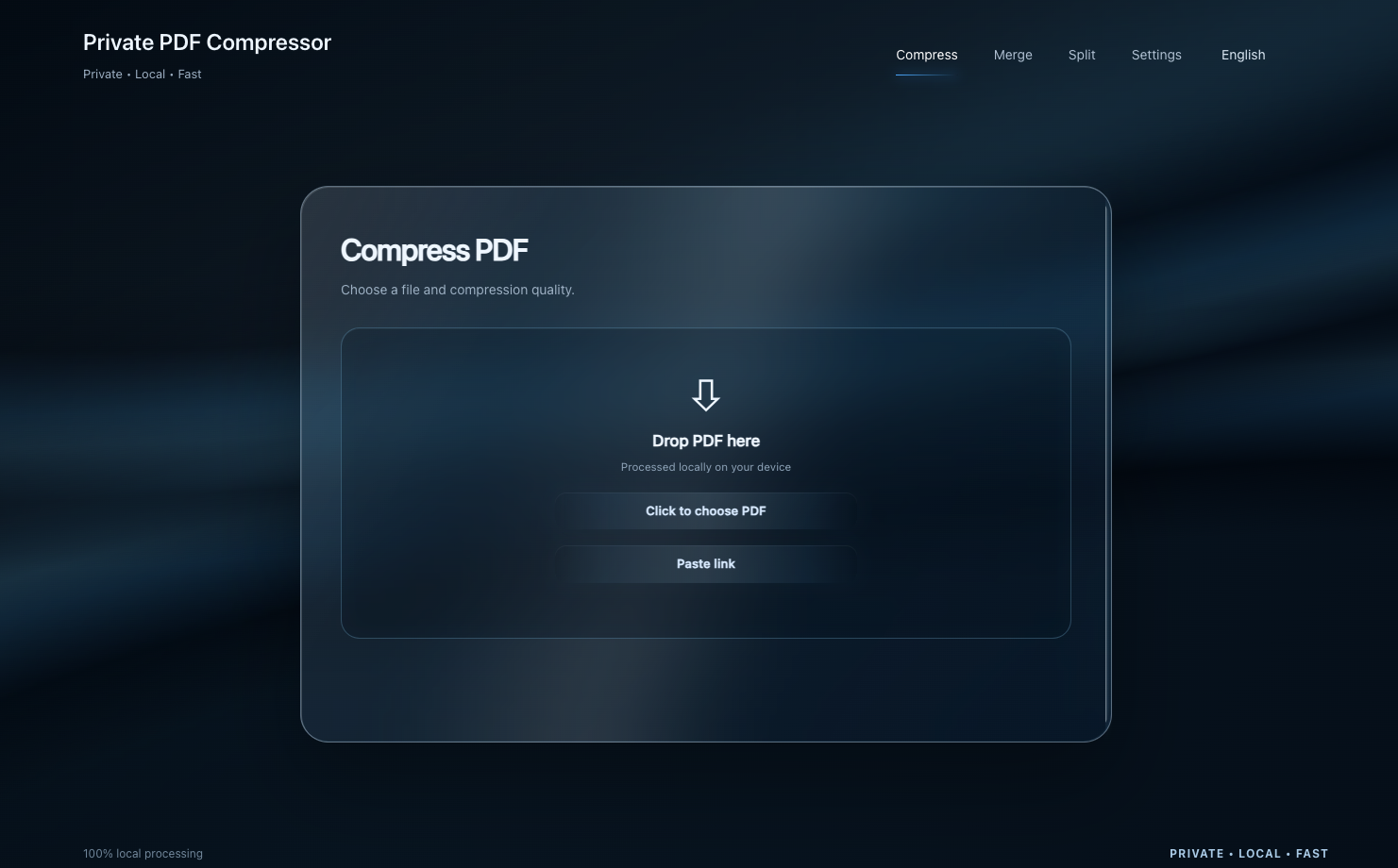
Reduce file size using local processing. Savings depend on the source PDF.
Separate the pages you need into smaller documents.
Combine multiple PDFs into one document.
A closer look at the actual Private PDF Compressor interface — no concept renders or invented screens.
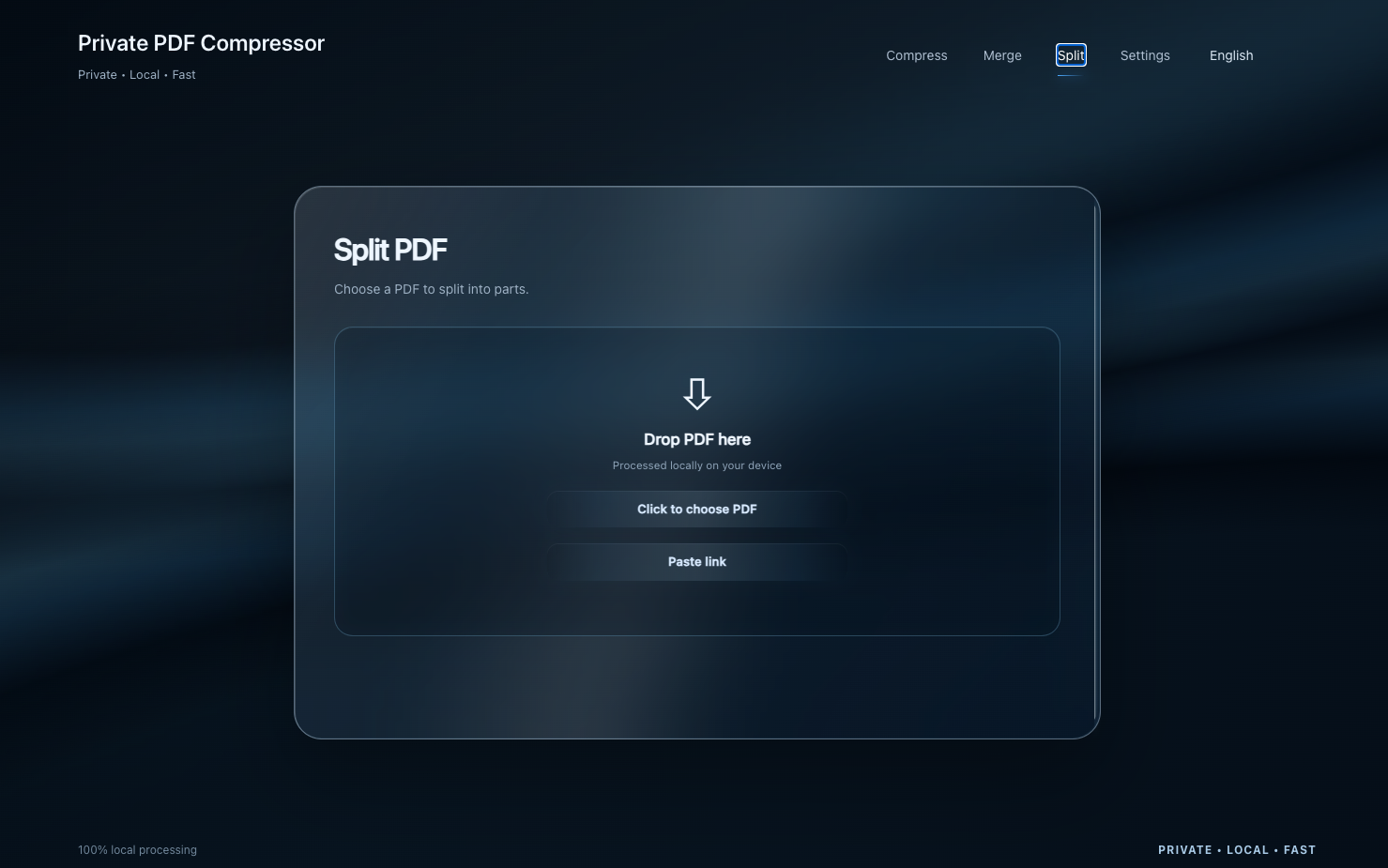
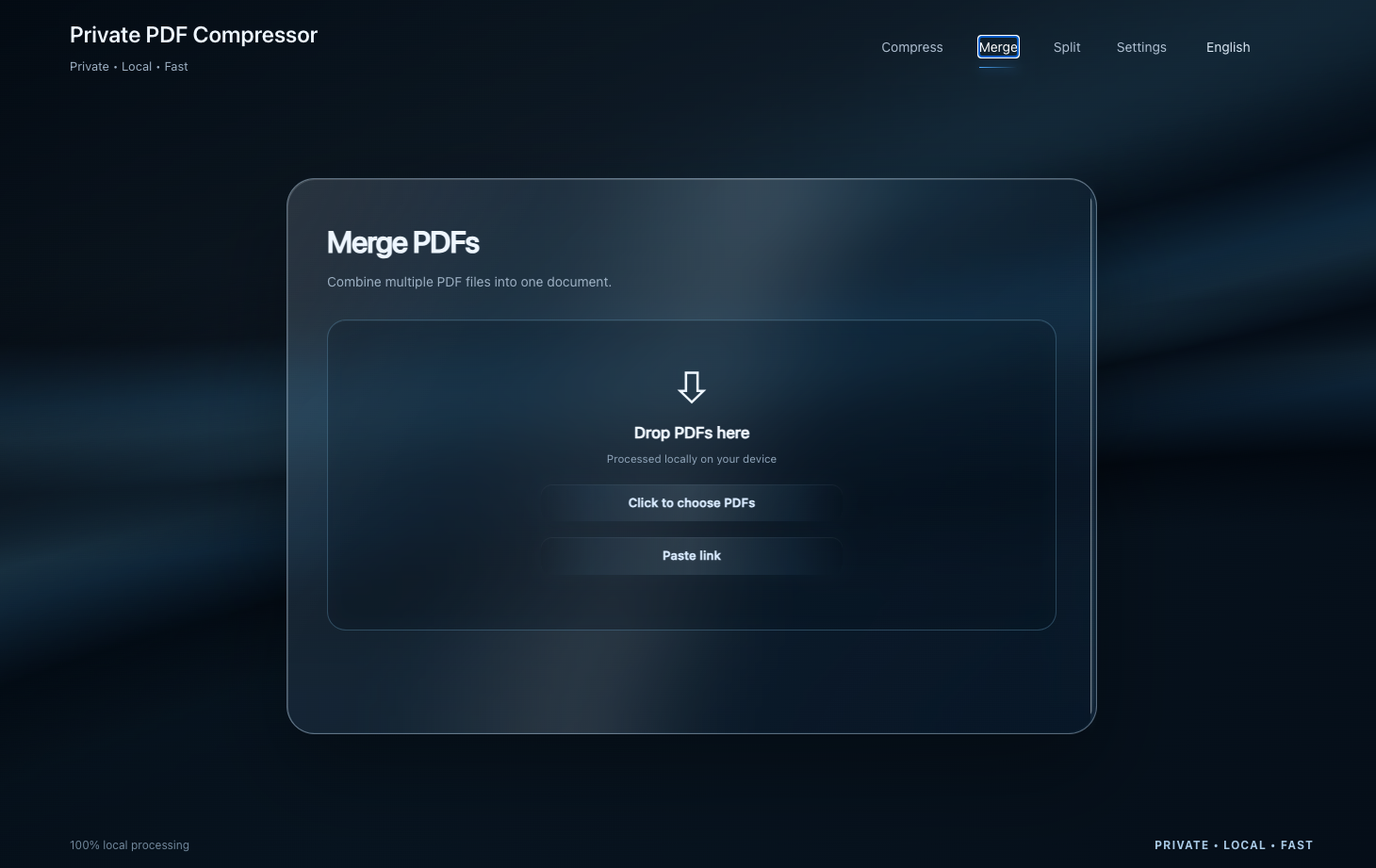
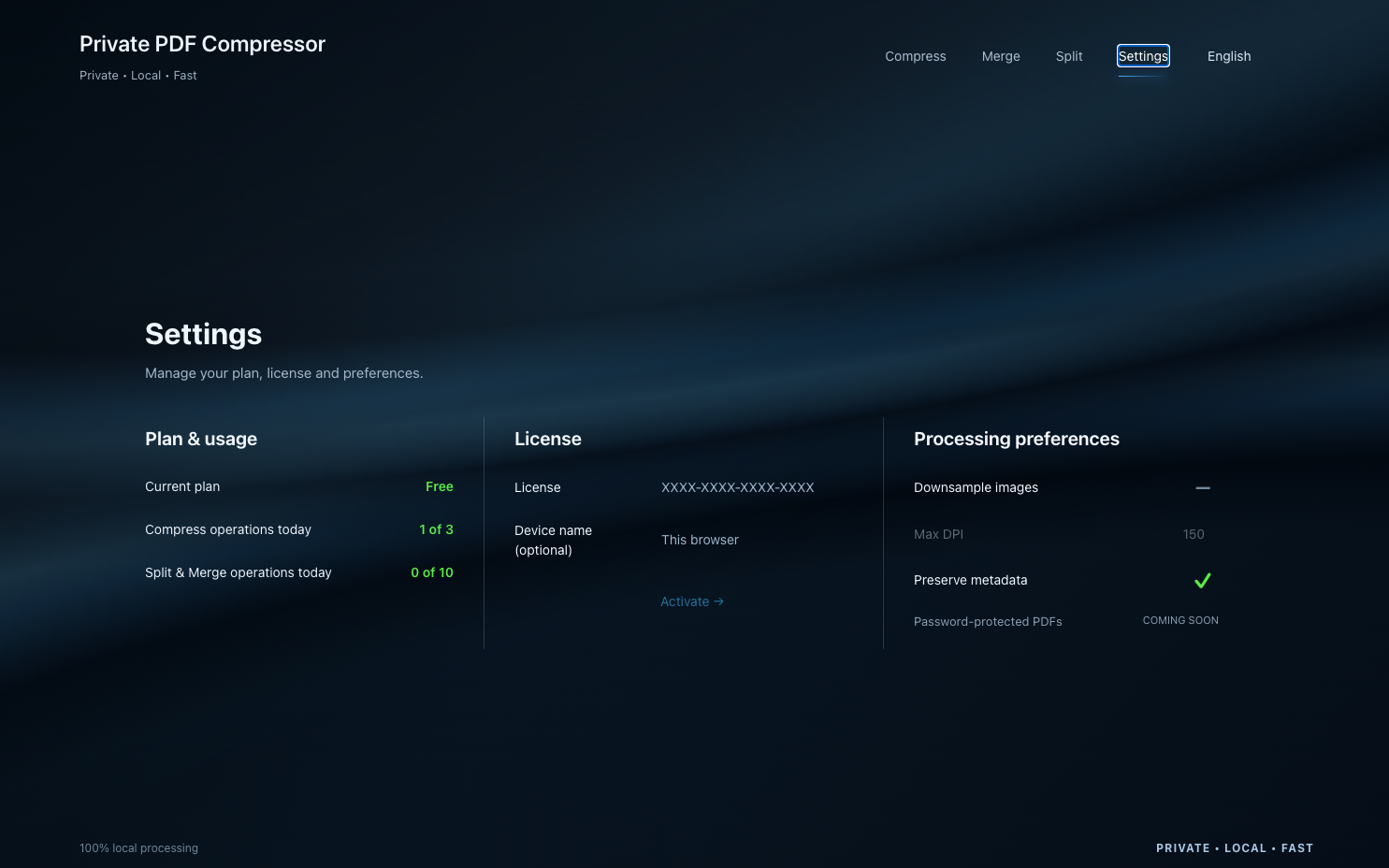
Launch the Chrome extension.
Choose Compress, Split or Merge.
Download your result to your device.
Free includes 2 PDF operations per day total across Compress, Split and Merge. Pro removes daily operation quotas with a one-time purchase and valid license. No subscription.
Compare plansRead the Help Center